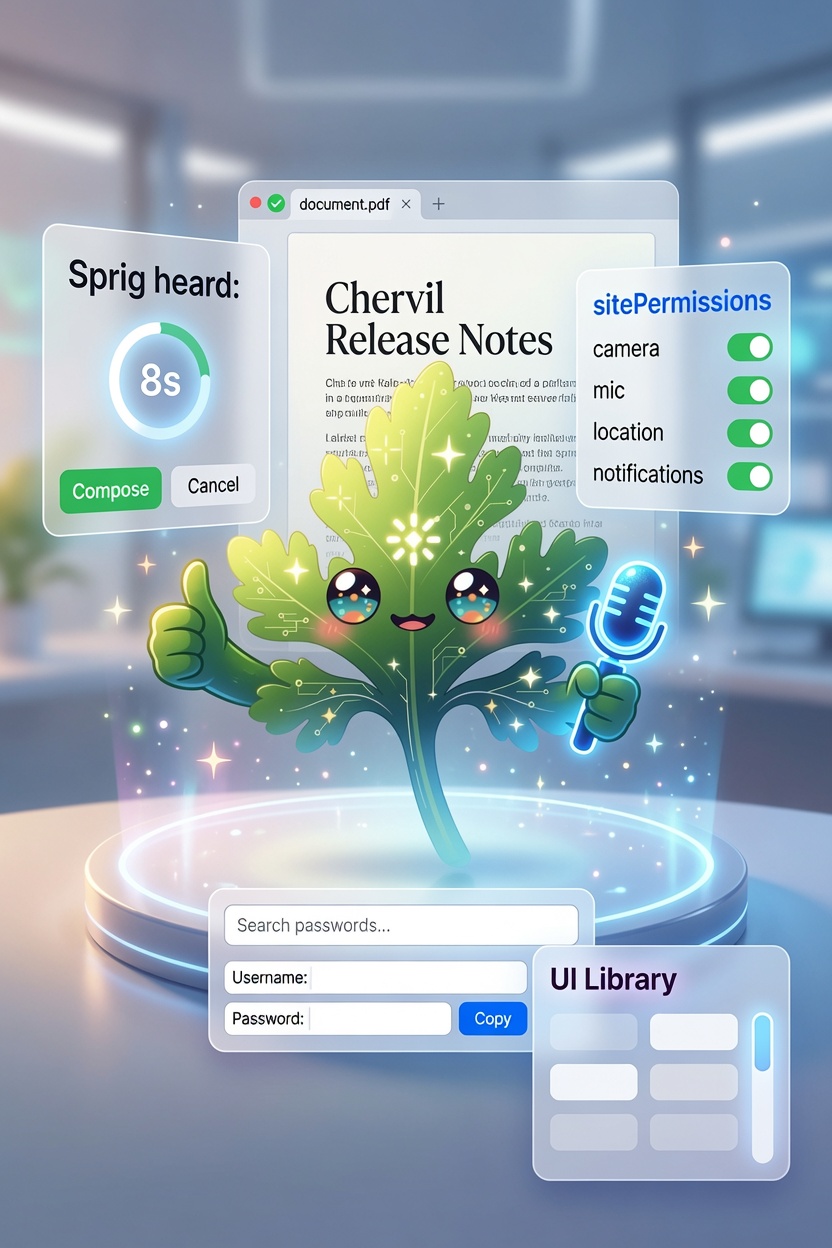
Last release was about switching to Chervil — bringing your bookmarks, history, and passwords over so the move wouldn't cost you anything. 0.14.0 is about the hour after that. The details that don't make a headline but decide whether a browser feels like home: does the video-call site get your camera? Does a PDF just open? Does the wake word behave when the TV's on? Can you actually manage your saved passwords?
None of these is a marquee feature. All of them are things you'd notice missing within an hour of real use. So we fixed them.
Sites ask before they reach for your camera
Until now, embedded websites in Chervil couldn't use your camera, microphone, location, or notifications at all — we blanket-denied them. Safe, but it quietly broke real things: video calls, map sites that want your location, apps that ask to notify you.
Now Chervil does what a real browser does: it asks, per site, and remembers your answer. The first time a site wants your camera, you get a simple Allow / Block prompt — and that choice sticks for that site. Your video-call service can have the camera without every other page getting it too.
You're in control of every one of those decisions in Settings → Browser → Site permissions: see which sites you've allowed or blocked, flip any of them, forget a single permission so the site asks again, or reset the whole list. (Sprig's own microphone — for "Hey Sprig" and dictation — is separate and stays under your control in Settings → Voice.)
PDFs just open
Click a link to a PDF and it now renders right in the tab — with the built-in viewer's zoom, page navigation, and print — instead of silently landing in your Downloads folder. Links that are explicitly meant to download still download. It's the behavior you already expect from a browser; now Chervil has it.
A wake word that won't run off on you
If you use "Hey Sprig," you may have hit this: a stray "Hey Sprig" from a TV or a noisy room, and Chervil dutifully transcribes whatever came next and composes a whole page from it. Not great.
So the wake word no longer composes anything on its own. When it triggers, Chervil shows you what it heard and waits for you to press Compose — and if you don't, it quietly cancels after a few seconds. A false trigger just… disappears. Nothing gets made unless you say so.
It's on by default. If you're in a quiet spot and liked the old fully-hands-free behavior, turn off "Confirm before composing from a wake word" in Settings → Voice — where you can also raise the wake-word threshold if background noise sets it off too easily.
A password vault that feels like a manager
Chervil has kept your logins and cards in an encrypted, passphrase-locked vault for a while — but once you've imported a few hundred logins from your old browser, "add and reveal" isn't enough. So the vault grew the tools you'd expect:
- Search your saved logins, so you can actually find one in a long list.
- Copy a password (or a card number) straight to the clipboard.
- Edit a login in place — change the username or set a new password without deleting and re-adding it.
Same encryption, same rules: never auto-submitted, never shown to Sprig, and the card security code is never stored.
The small stuff that adds up
- The Library drawer picked up the last of the Fluent polish — a rounded panel, an elevated tab bar, and consistent thin scrollbars, so it matches the rest of the app.
Get it
Chervil is free and open source. Download the latest for Windows →, or read the full 0.14.0 changelog.
If 0.13.0 got you to switch, 0.14.0 is the release that makes staying feel effortless — the ordinary things, working the ordinary way.