The Chervil blog
Building the agentic, conversational web browser in public.

Chervil 0.28.0: Keep the good answers
Chat could give you a brilliant answer and then lose it the moment you closed the tab. Now a star keeps it. Plus: Chervil grew its own print preview, because the one Windows was showing said it didn't have one — and a bug I found on the way that could break printing until you restarted the app.

Chervil 0.27.0: Sprig on your home screen
Chervil Chat has lived in your pocket since 0.22 — but you still had to go find it. This release puts Sprig on your Android home screen: a one-tap widget that drops you straight into a chat, a photo question, or voice. Plus a fix for the most confusing way publishing could fail.
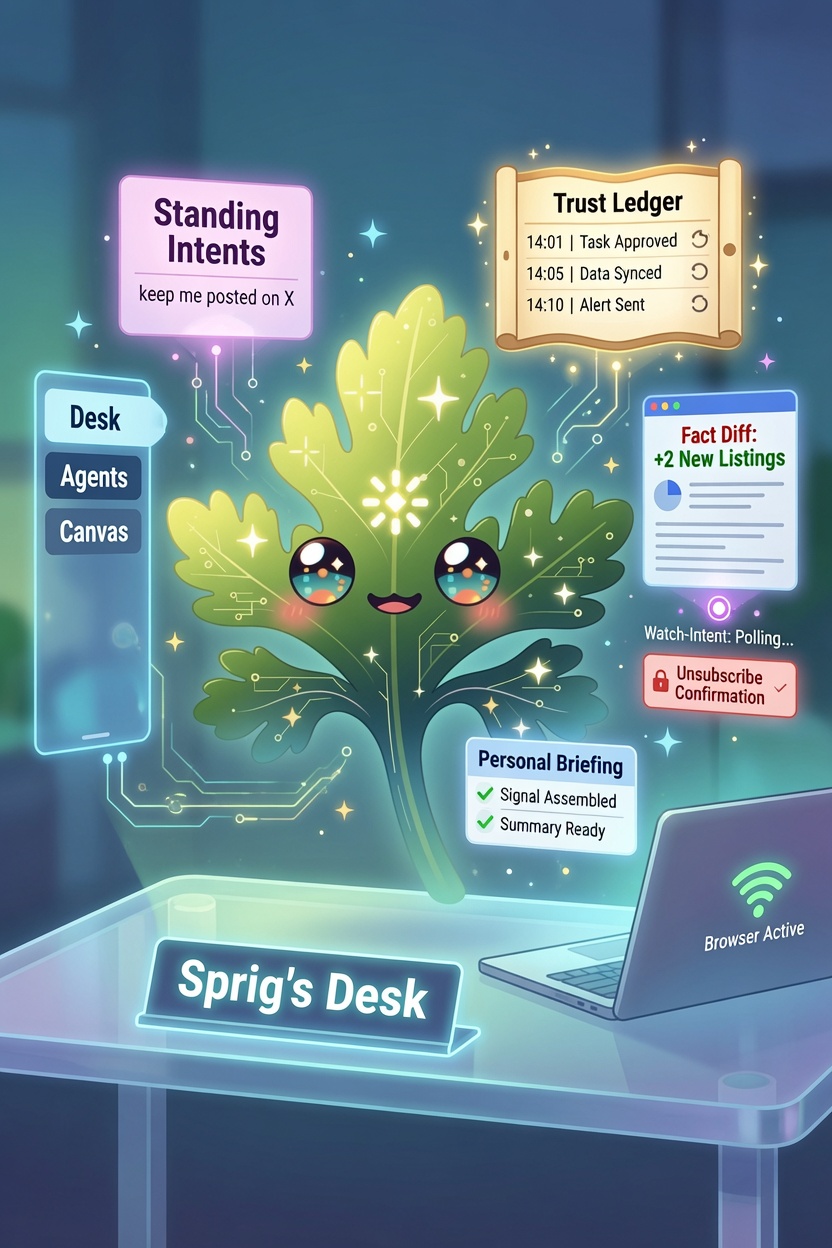
Chervil 0.26.0: Sprig's Desk
Until now Chervil answered when you asked. This release lets you delegate — hand Sprig an ongoing goal in plain language and he keeps at it in the background, tells you only when something actually changed, and shows you everything he did while you were away. It's the browser that keeps working when you close the laptop.
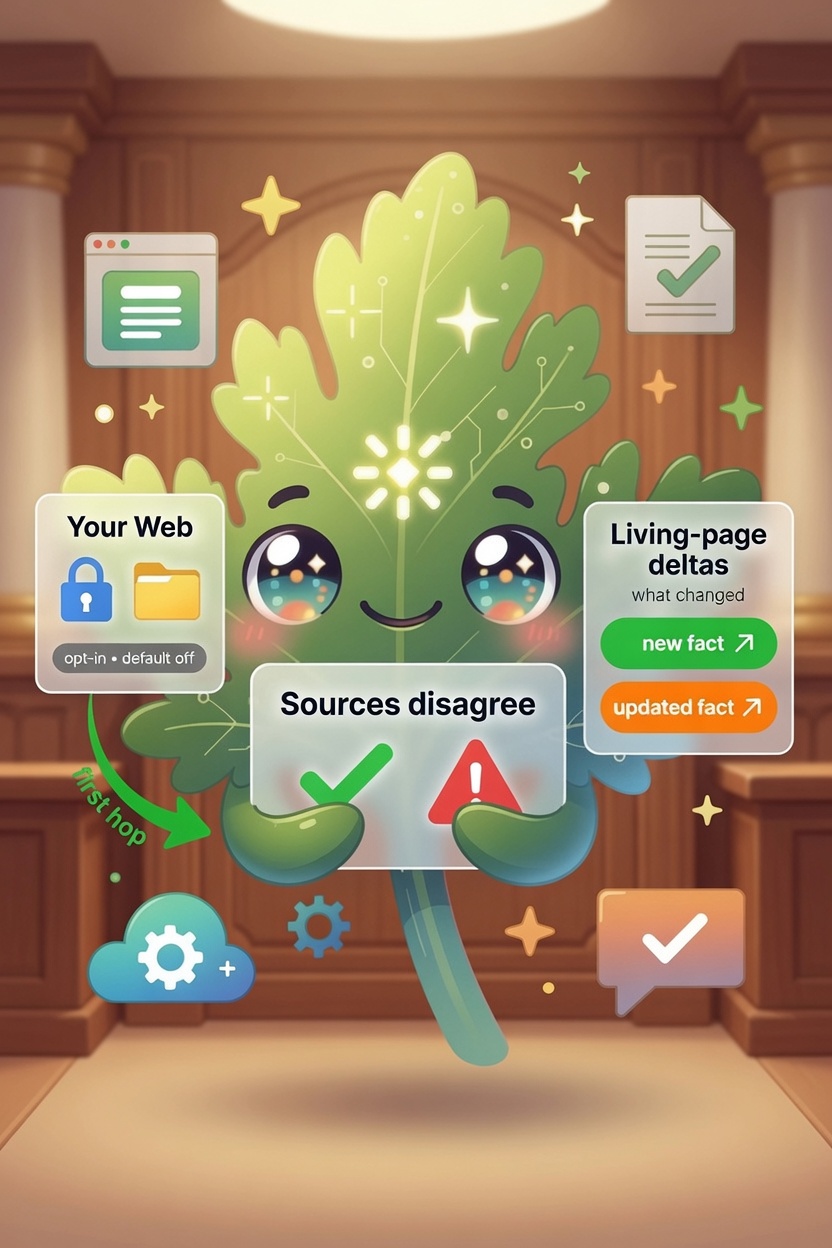
Chervil 0.25.0: show your work
An AI that answers in one confident voice is hiding something — the places its sources didn't agree. This release is about Chervil showing you the seams: where the web contradicts itself, which claims it actually checked, and what came from your own reading. And it starts remembering the things you tell it it got wrong.

Chervil 0.24.0: the tune-up
No new vertical this time. Chervil used to freeze for about half a second at a time while you worked, chat sat silent until the whole answer was ready, and the Trash kept everything you ever deleted, forever. All three are fixed — and chat now starts answering in under half a second.

Chervil 0.23.0: beam your chat from phone to desk
Chervil Chat grew up. Talk to it, show it a photo, and it remembers where you left off. And when a question you started on your phone turns into real work, tap “To desktop” — the whole conversation beams over to the desktop app, ready to continue or compose into a page. Plus: managed AI on Grok is working again.

Chervil 0.22.0: Sprig in your pocket
Chervil is a desktop browser — that's the whole point. But you're not always at your desk. Chervil Chat is a new, hosted, chat-only Chervil that runs in any phone's browser: sign in and Sprig is a tap away on your home screen, grounded in live web search, with nothing to install and no API key to bring. Plus the desktop quick-chat finally stays open while it answers you.

Chervil 0.21.0: your feeds, briefed
You already have a feed reader you like. Chervil 0.21.0 isn't trying to be a better one — it's the browser that reads your feeds for you. Bring your whole OPML over, folders and all, then just ask: "summarize the Entertainment folder." Sprig briefs you on what arrived, grouped and linked, from your own sources with no web search. Plus the Library is a real page now.

Chervil 0.20.0: your browser finally remembers what you read
Every browser keeps a list of where you've been and throws away what was there. Chervil 0.20.0 keeps a private index of your own reading — on your machine — so you can ask "what was that laptop review I read last month?" and get the answer with no search at all. Plus dossiers that pull together everything you've read on a subject, repeat questions answered instantly, and a top bar that finally looks like a browser's.

Chervil 0.19.1: compare anything, cite everything, watch the web
Chervil takes on the search engine head-on. Ask it to compare two things and it builds a sourced, side-by-side table with a verdict. Every composed page now cites its sources inline and shows how fresh they are. And Chervil can watch a page and ping you when something changes — a price drops, an item's back in stock, the docs update. Plus refine any page in place with a follow-up, resizable sidebar and tab bars, and a toolbar that never hides its buttons.

Chervil 0.18.0: publish to your blog
Compose a page in Chervil, then send it straight to your blog — a real draft on WordPress, an import on Medium, a pre-filled editor on Substack. Plus a new Share this page menu (Fedica, AddToAny, and your networks), a real chat in the floating Hey Sprig bar, a Mute tab menu item, and a quieter web.

Chervil 0.17.0: fast mornings
The release about the friction you feel every single morning. Pinned tabs now warm up in the background the moment Chervil launches, so the first click on each one shows a loaded page — not a spinner. Tab groups grew a visible fold arrow, and opening a Collection now drops its pages into a tab group named after it.

Chervil 0.16.0: your places, your collections — and a book press
Chervil learns where you live on the web — say "open my email," let mailto links open your webmail, and have Sprig draft posts to your networks when you publish. Gather pages into Collections that Sprig can compose from. And the big one: turn any lesson or page into a real book — a Kindle-ready EPUB or a print-ready PDF, with a built-in image editor that upscales for print.

Chervil 0.15.0: twelve features, one monster session
The biggest Chervil release yet: every tab is now alive (background audio, instant switching), private tabs are truly isolated, tabs organize into colored groups — and Sprig learned to work with the page you're on: ask about it, translate it in place, hear it read aloud, snip it, and compare your open tabs.
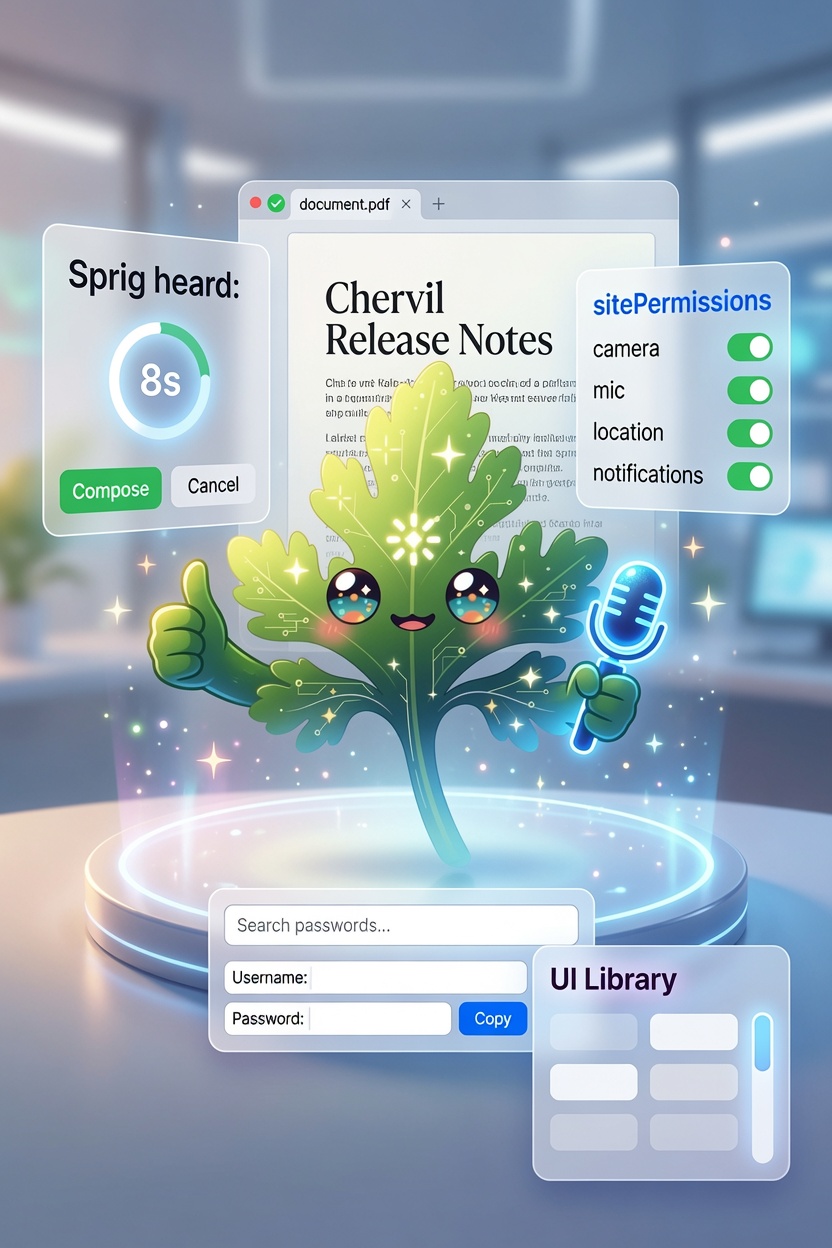
Chervil 0.14.0: the small stuff you'd miss in an hour
After making it easy to switch to Chervil, 0.14.0 is about the everyday details that decide whether you stay — sites that ask for your camera the way a real browser does, PDFs that just open, a wake word that won't compose a page from the TV, and a password vault that finally feels like a manager.

Chervil 0.13.0: bring your browser with you
The hardest part of trying a new browser is everything you'd leave behind. So 0.13.0 imports it — your bookmarks, history, saved passwords, and address autofill from Chrome, Edge, Brave, and Vivaldi. Plus a reorganized Library (Favorites for websites, Saved Pages for what you compose) and a fix so deleted things stay deleted across your synced machines.

Chervil 0.12.0: your wallet, in the vault
Chervil already kept your passwords in an encrypted, passphrase-locked vault. Now it keeps your payment cards there too — filled at checkout with one click, never auto-submitted, never shown to Sprig, and the security code is never stored. Plus a real fix for making Chervil your Windows default browser.

Chervil 0.11.0: the everyday-browser essentials
The furniture that lets Chervil be your only browser — zoom, downloads, printing, reader view, a bookmarks bar with folders, ad & tracker blocking, private tabs, multiple windows, picture-in-picture, address-bar suggestions — and Chervil can now be your default browser. None of it dilutes the AI-first thesis.

Chervil 0.10.0: Chat that searches
Chat mode now searches the live web on its own — with sources under every answer — and Chervil finally has a full documentation site, linked right from inside the app.

Chervil 0.9.0: Share the spotlight
One-tap share and rich link previews, community star ratings across the store, chat that talks about the page you just composed, an in-app update check — plus audio and pronunciation fixes.

Chervil 0.8.0: You're at the controls
A toolbar you arrange yourself, embedded-site logins that finally work, agent teams that adapt, Spaces that hold your files, a page-style switch — and the Agent store, now inside the app.

Chervil 0.7.0: Publish your agents — and the Agent store
Agents are now a publishable type: share one to your profile and anyone can import it in a click. Plus a community Agent store and Share gallery — submit your best agents and pages, browse by category, all vetted and human-approved.

Chervil 0.6.0: Agents that work as a team
Chain agents into a pipeline that hands off and builds on itself, share any page for someone else to remix, and two quiet fixes that matter — bookmarks that really sync, and interactive pages that remember what you did.

Chervil 0.5.0: Lessons that actually do things
Interactive applet widgets — real dropdowns, simulators, and live output — now compose right in your lessons and stay interactive on the pages you publish to the web. Plus a fluent polish pass across the whole app.
Chervil 0.4.0: Your passwords, and pages that come alive
A built-in, encrypted password manager; hosted pages whose applets go live and that refresh themselves in the cloud (Pro); auto hero images; a plain chat mode; and a fistful of everyday-browser polish.

Chervil 0.3.1: Sprig starts doing things
Agentic actions arrive — Sprig can plan and act on real websites under a deterministic control layer that decides what it's allowed to do. Plus find-in-page, reopen closed tab, form autofill, and a fix so large attached files actually get read.

Chervil 0.3.0: the everyday-browser release
A big one. Chervil grows a universal omnibox, real browser table stakes — bookmarks, history, downloads, in-site back/forward — a Stop button, tabbed Settings, and a creator platform that now publishes blogs. Plus the design for agentic actions.

Publish anything, sync everywhere, and a browser that knows your machine
Chervil 0.2.0 is a platform release: publish any page (or a whole Space) to the web, sync your sessions across computers through your own cloud folder, feed Sprig your local files, ask it about your actual machine, and tame heavy tab sessions.

Quizzes, public profiles, analytics, and real-world actions
A big batch just landed: Chervil now builds graded quizzes as well as lessons, gives you a public profile to share everything you've made, shows authors a per-card drop-off funnel, and turns maps and phone numbers into one-tap actions.
"Hey Sprig" now works the moment you install
The on-device wake word is no longer something you train yourself — Chervil v0.1.4 ships a 'Hey Sprig' model built in, and it's the default. Just say the word.
Hey Sprig: a hands-free wake word that stays on your machine
Chervil now listens for a wake word entirely on-device — free, open-source, and no API key. Say the word and the quick-ask bar pops up to take your request.

Chervil: potential use cases for the agentic, conversational web browser
From instant research and scheduled agents to travel planning and power-user agent fleets — compelling ways to put an on-device agentic browser to work.
Introducing Chervil: the web comes to you
Chervil replaces the browse-and-skim loop with a conversation. You talk to Sprig, and the open web composes itself into a single, living, cited page built for your exact question.